Underlying AI engines

 Tripo
Tripo
 Tencent HY 3DTencent HY 3D

 GrokGrok
Models you can pick
From one prompt, compare and choose your 3D result
Generate with several models at once. Find the quality, style, and polygon count that fit your purpose — fast, in PicoBerry.
Compare models- 24
- models
- 6
- vendors
- 500–2M
- polygons
“stylized RPG character, full body”
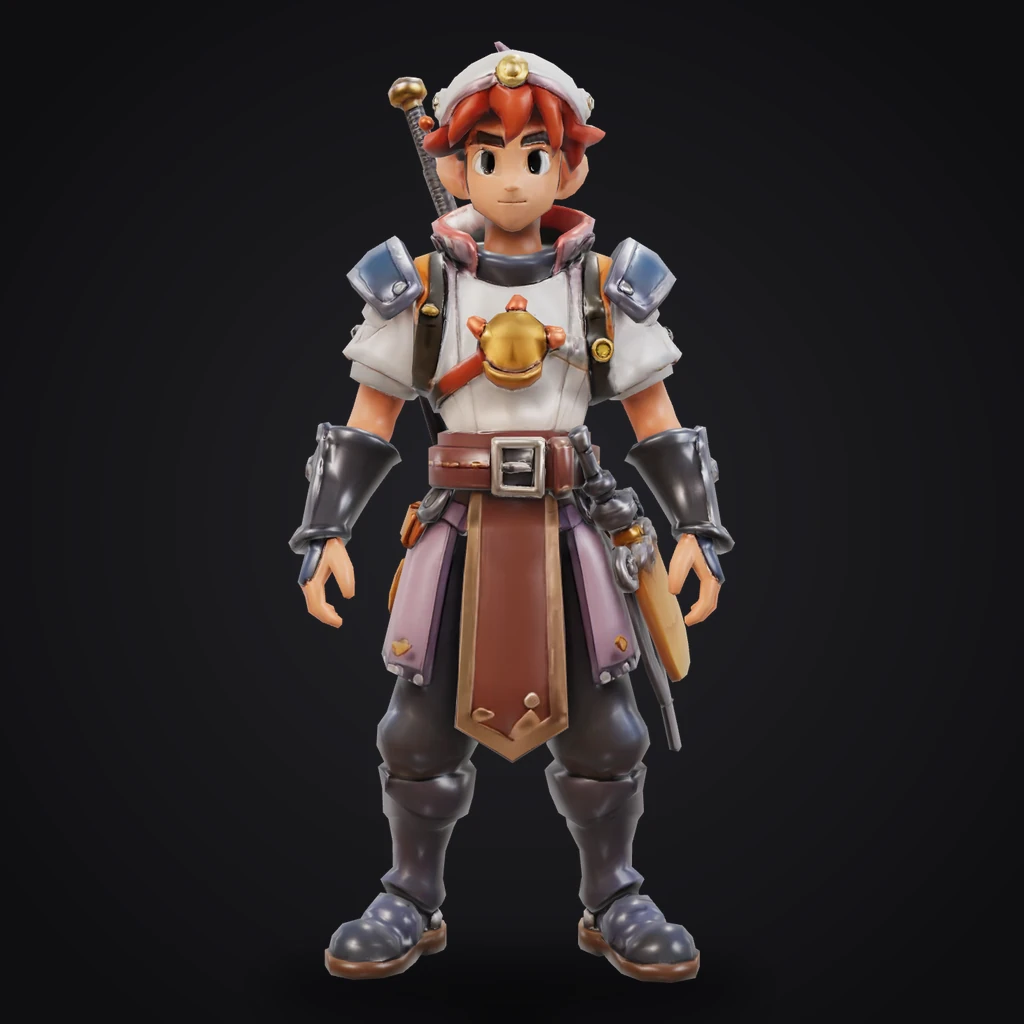
PB Slim
8.2K
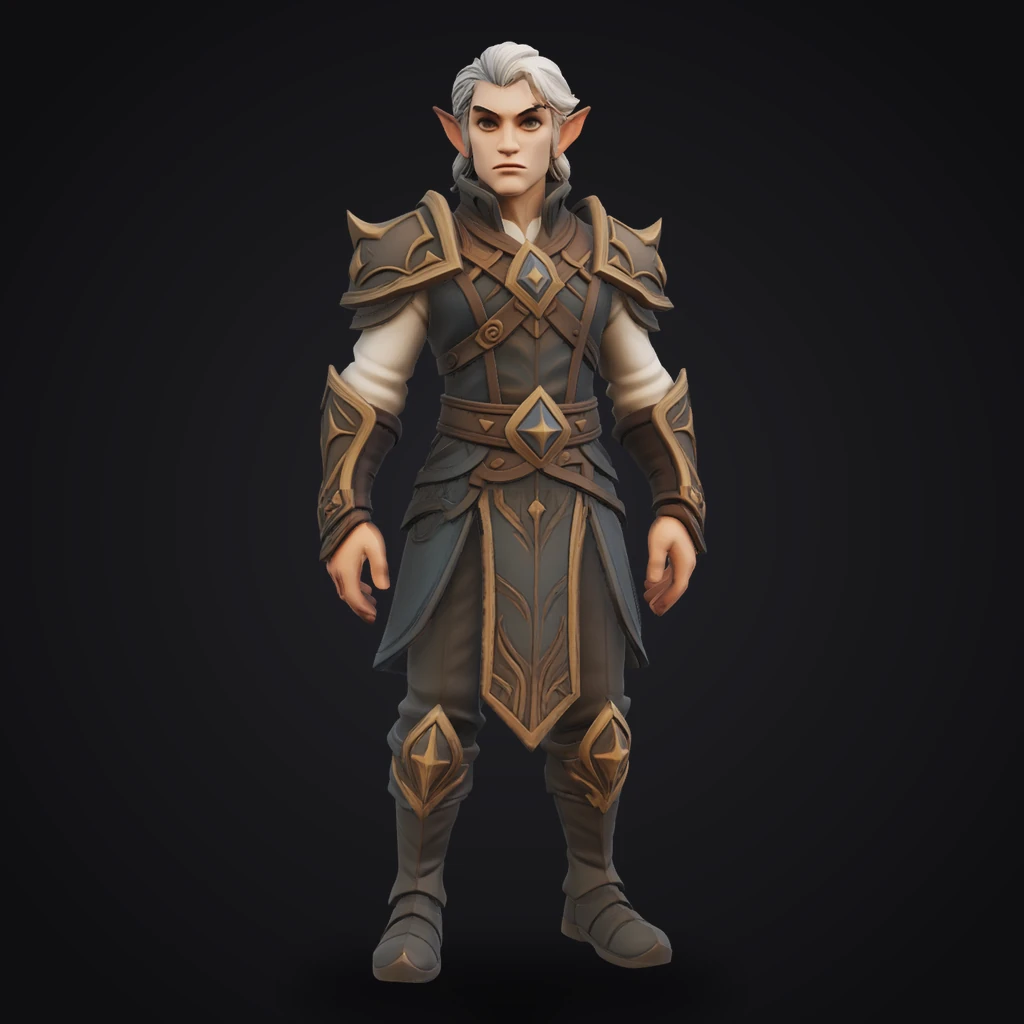
Hunyuan 3.1
500K
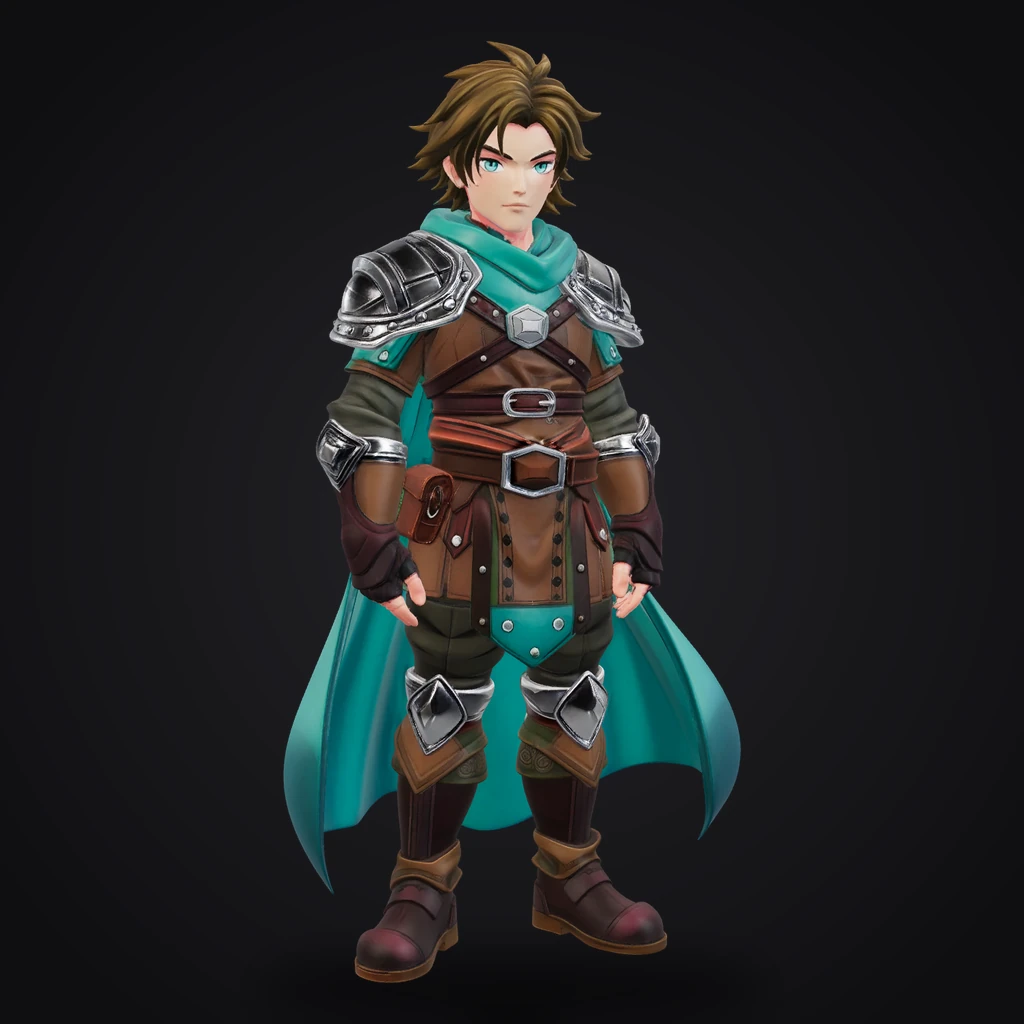
Meshy 6
30K
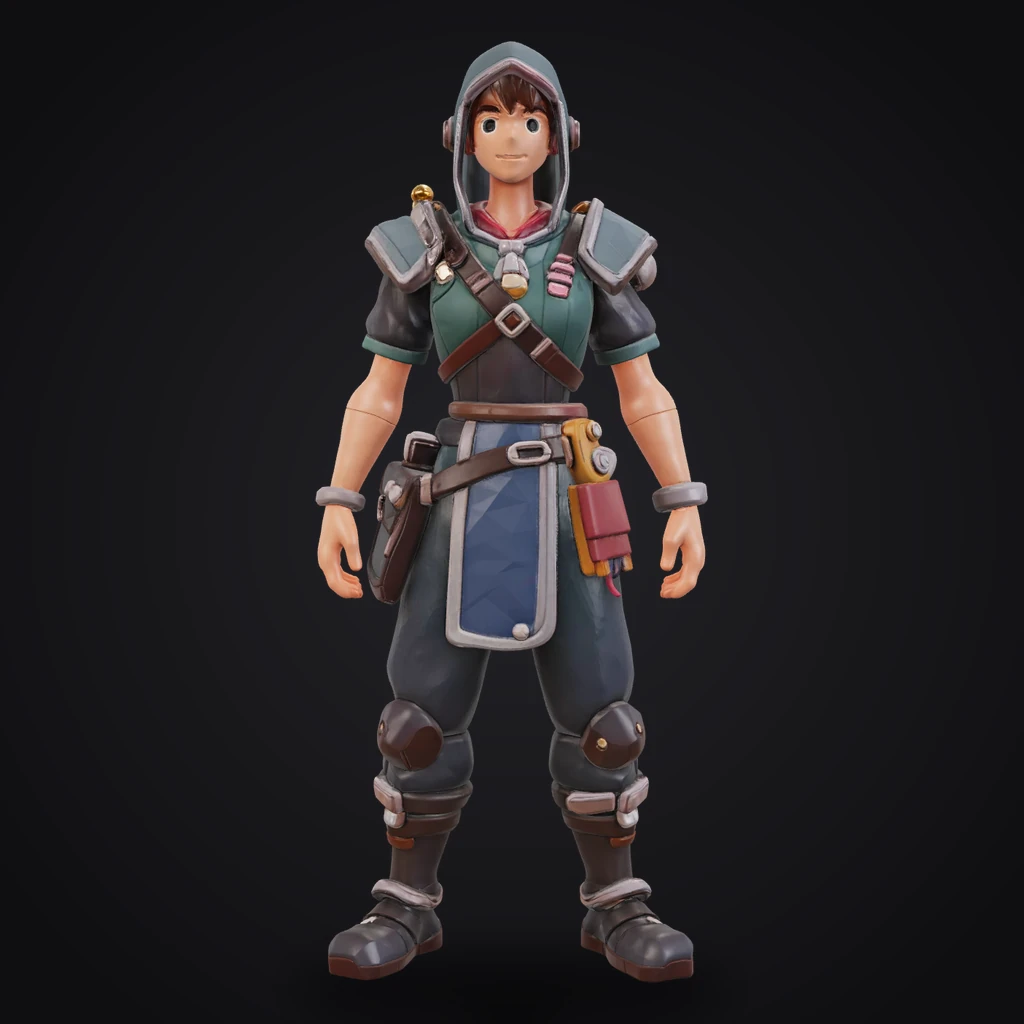
PB Ultra
2M
Cross-model interoperability
Chain multiple AI models into a more finished 3D asset
Generation, rigging, remeshing, and texturing each have a model that does them best. PicoBerry links the per-stage AI models into a single workflow, so your first result grows into a 3D asset you can actually ship.
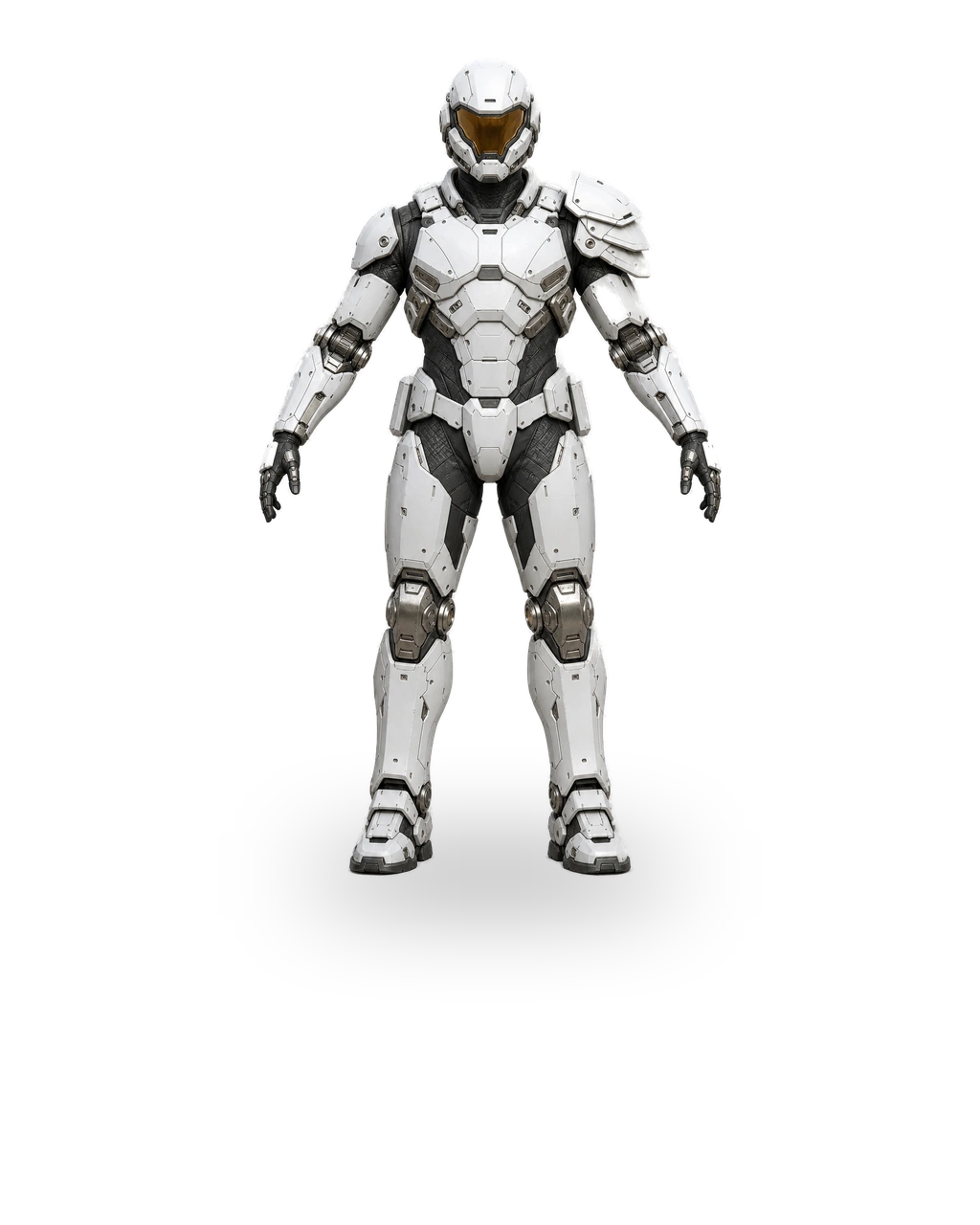
PROMPT
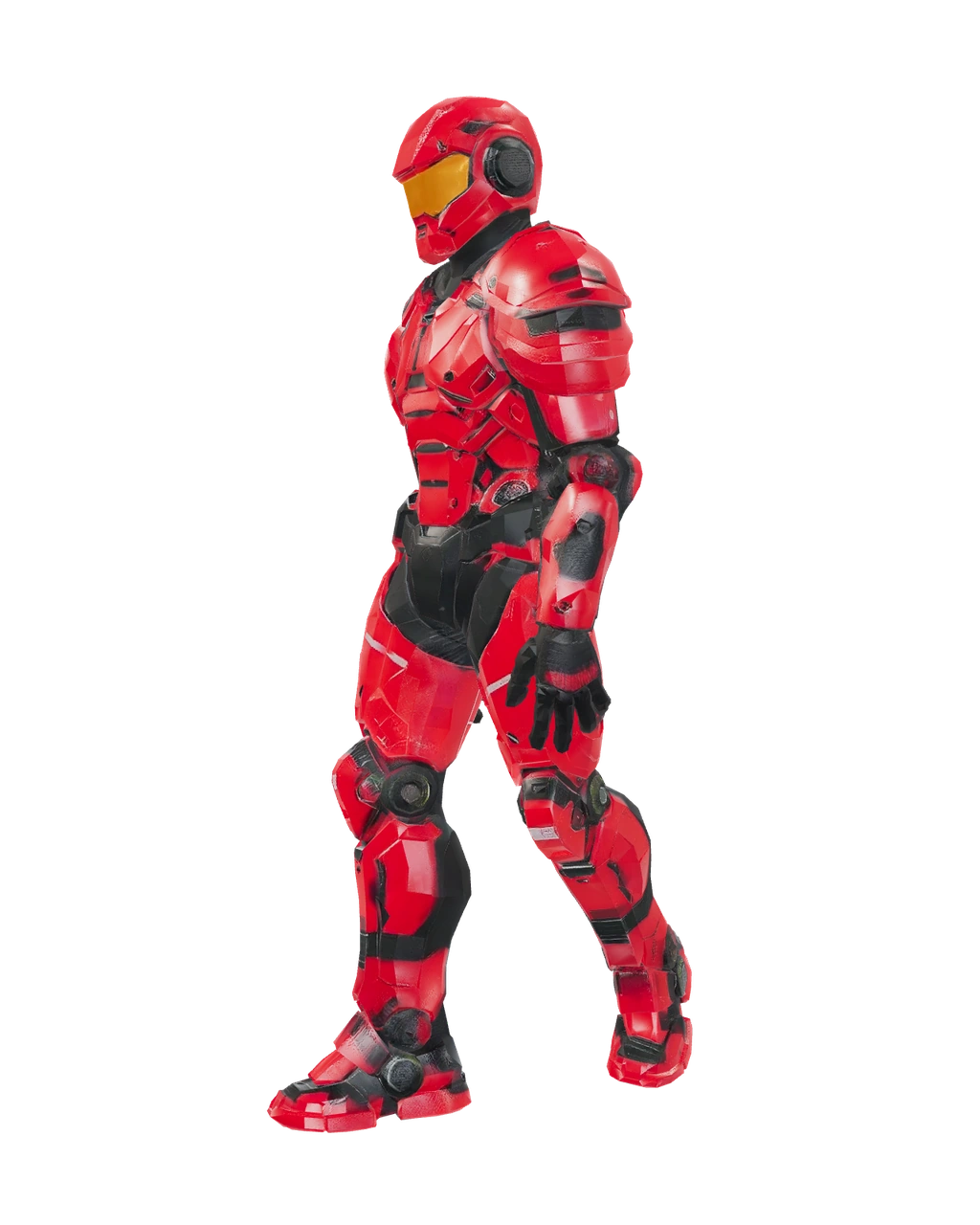
Near-future hard-surface exo-armor soldier, full body A-pose
01Text → image
Generate a reference image from a prompt first.
- GPT Image 2
- Nano Banana Pro
- Grok Pro
- Nano Banana 2
- GPT Image 1.5
- Grok Quality
- Nano Banana
- Grok
- PB Image
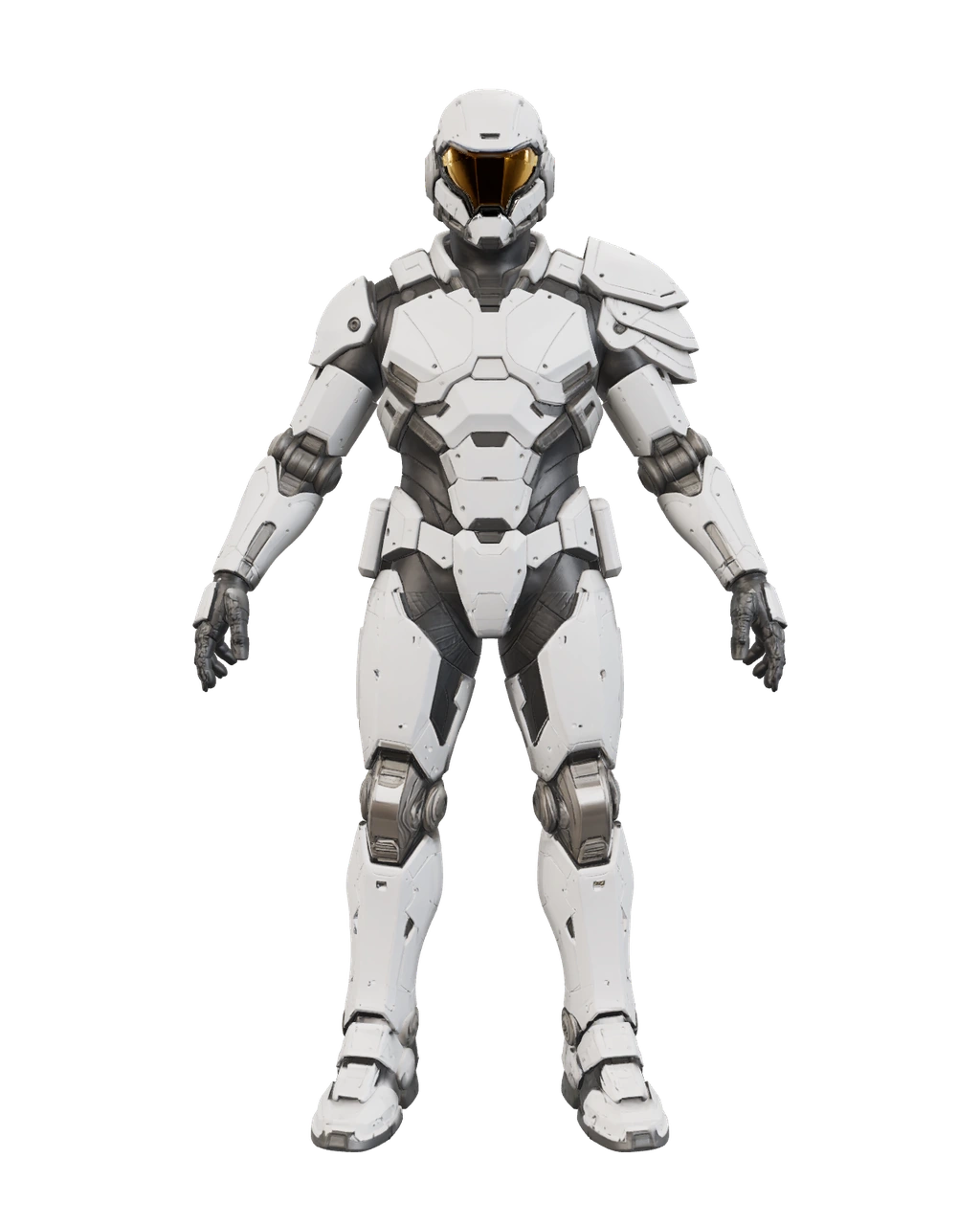
 02
02Image → 3D
Turn a photo, sketch, or concept art into a 3D mesh.
- PB Slim
- PB Standard
- PB Ultra
- Tripo 3.0
- Hunyuan 3.1
- Meshy 6
- Meshy 6 - Low Poly
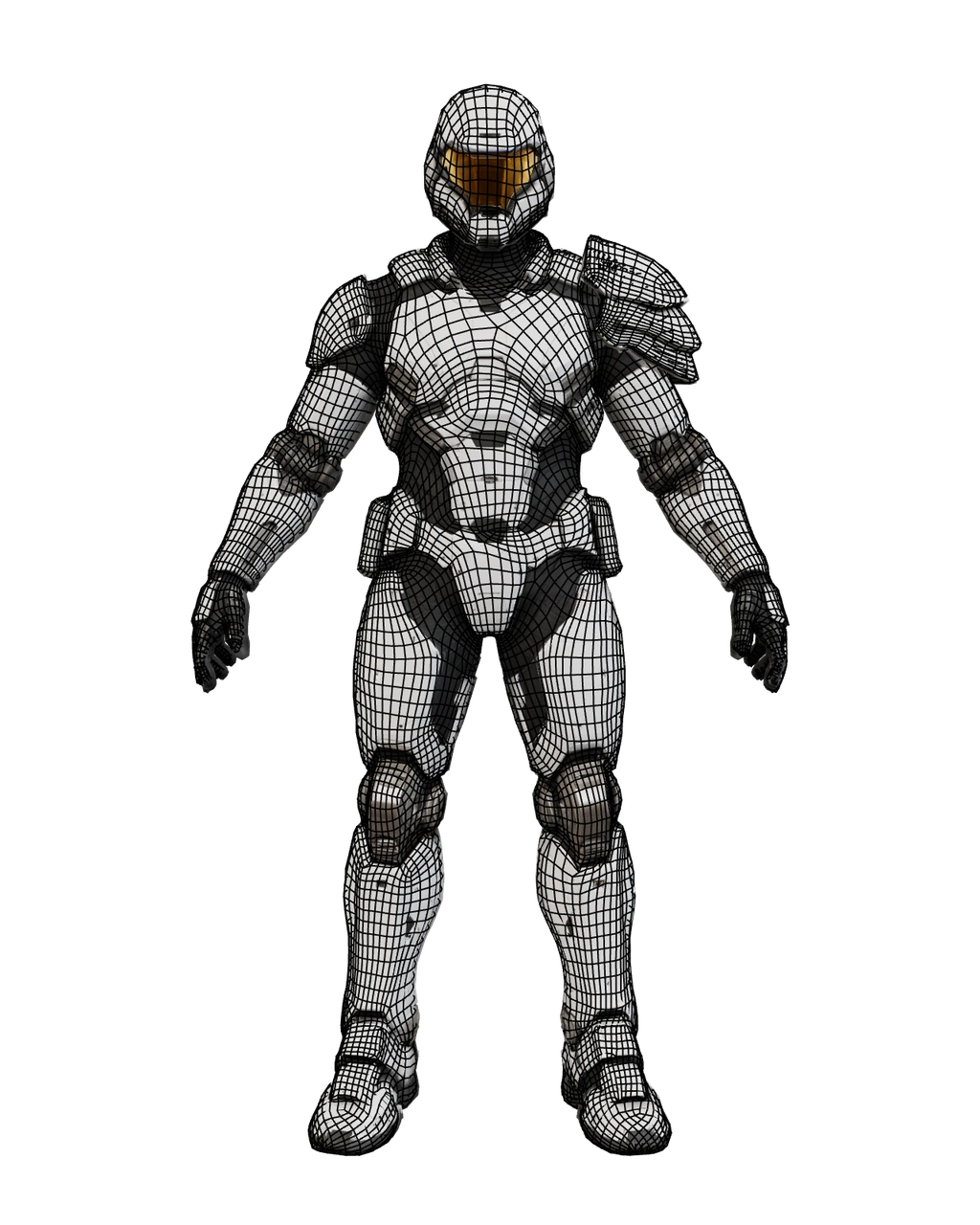 03
03Remesh
Rebuild the mesh into clean, engine-ready topology.
- PB Remesh
- Tripo Remesh
- Meshy Remesh
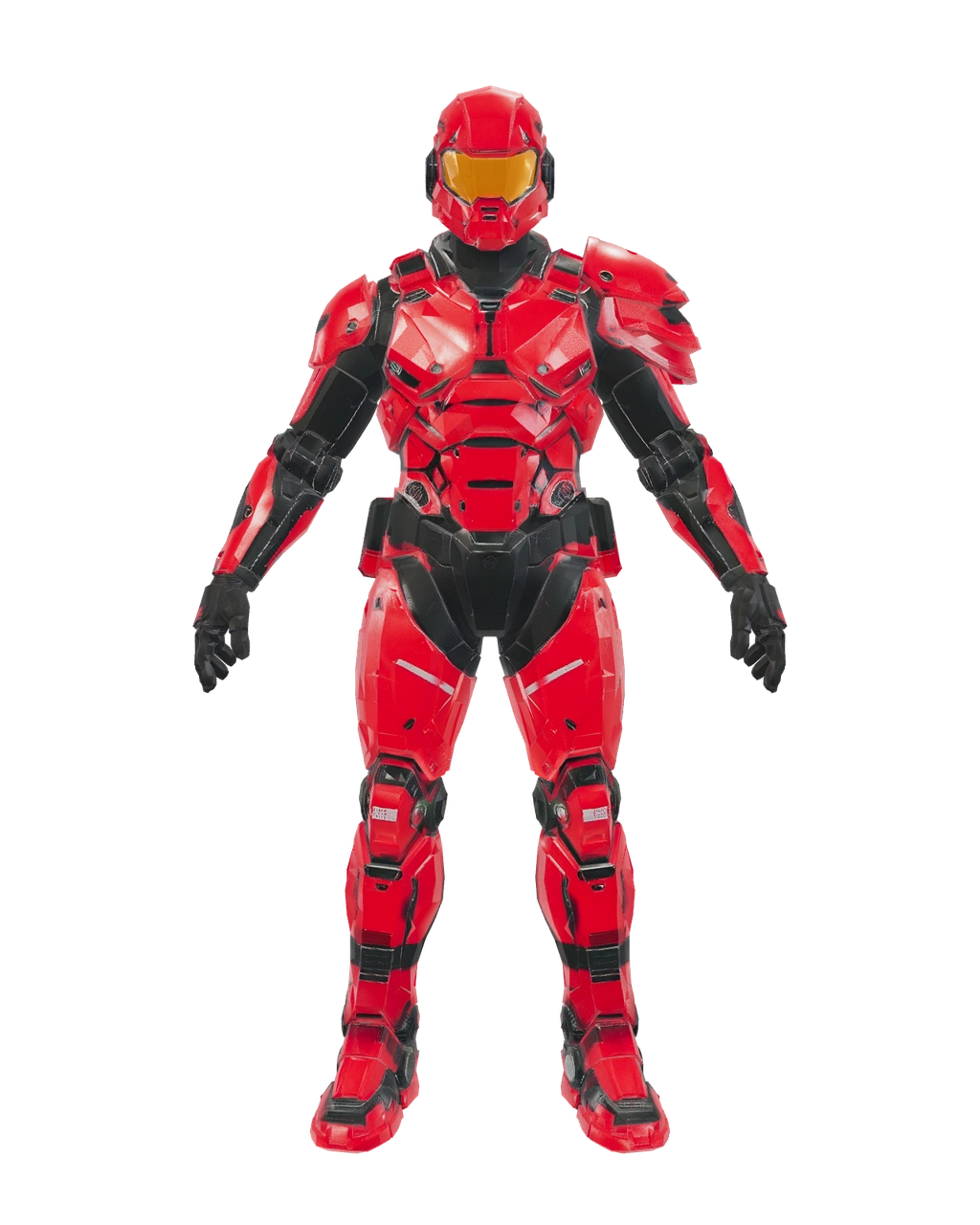 04
04Texture
Apply PBR textures to a mesh you already made.
- Tripo Texture
- Meshy Texture
- PB Palette
 05
05Rig & animation
Add a skeleton and bring the model to life.
- Tripo
- Meshy
API · MCP
Plug PicoBerry into ChatGPT
The AI agent you already use reads the context of your current work and generates the right 3D asset for it through PicoBerry. Connect the MCP server, or call the REST API directly.
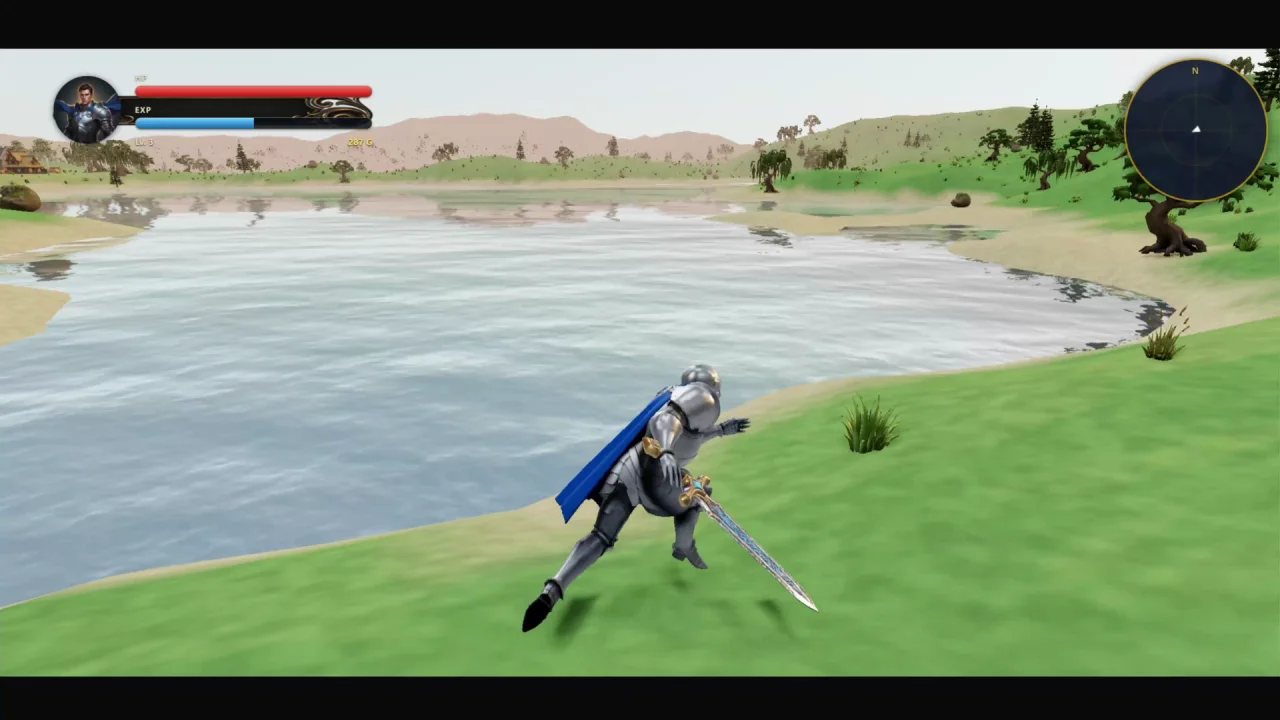
One line — "make some fitting assets and dress up the background" — was all it took. Fable 5, wired to the PicoBerry API, created the assets, read the scene, and placed them itself.
curl -X POST https://api.picoberry.ai/v1/models/from-text \-H "Authorization: Bearer pb_live_xxx" \-H "Content-Type: application/json" \-d '{"prompt":"a stylized treasure chest","engine":"tripo","polycount":10000}'# 200{ "success": true, "data": {"id": "019…", "taskStatus": 0, "type": "model_3d" } }
// Claude Code: .mcp.json · Cursor: ~/.cursor/mcp.json{"mcpServers": {"picoberry": {"command": "npx","args": ["-y", "@picoberry/mcp-server"],"env": { "PICOBERRY_API_KEY": "pb_live_xxx" }}}}
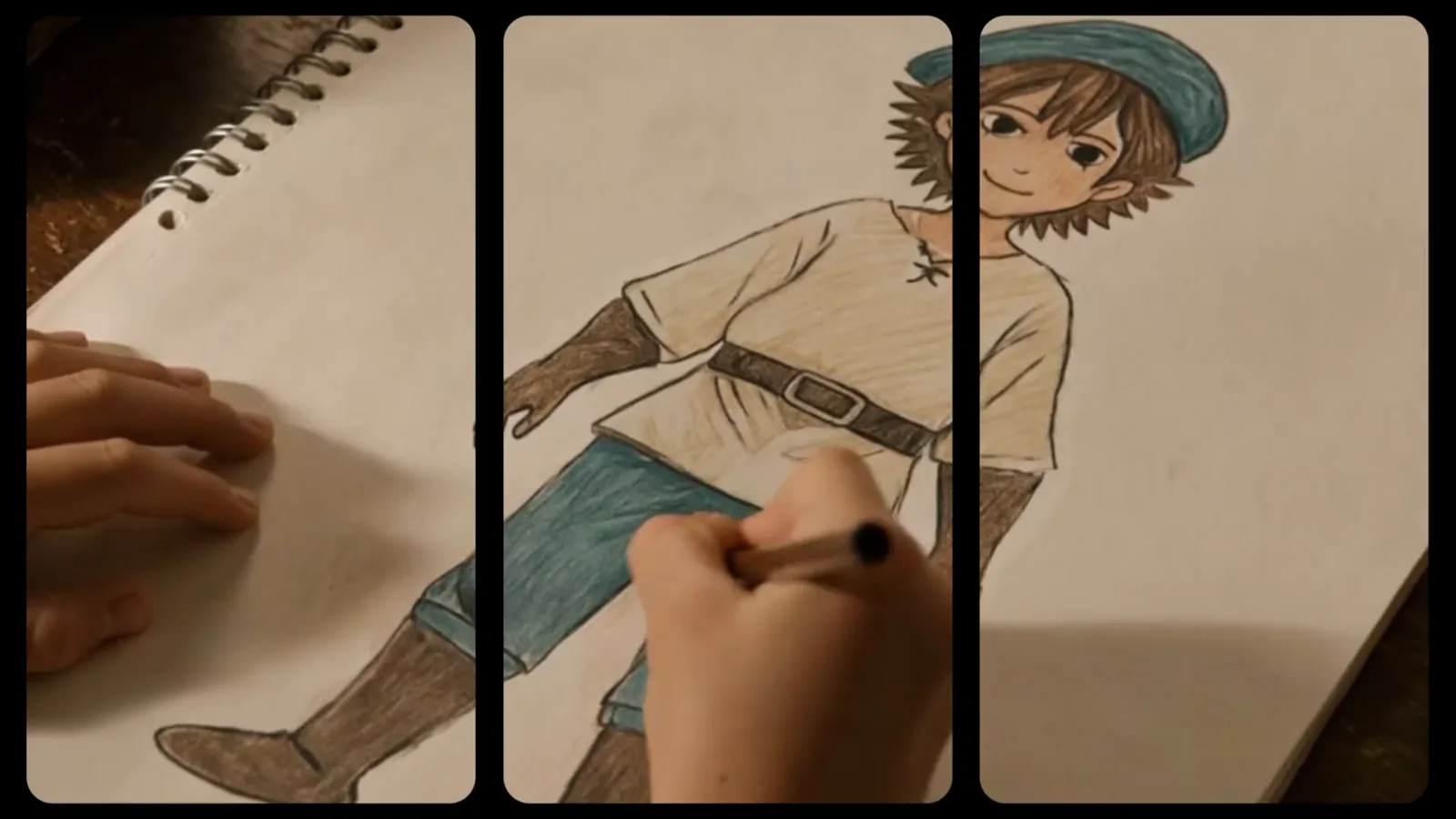
From an imagined character to an animated game asset
Generate a character from a prompt, apply 680+ animation presets, and finish with a 3D asset you can drop straight into your game.
Continues right into the engines and tools you use
Unity inside the editor, Unreal · Godot · Blender through bridges, and every other tool through standard formats.
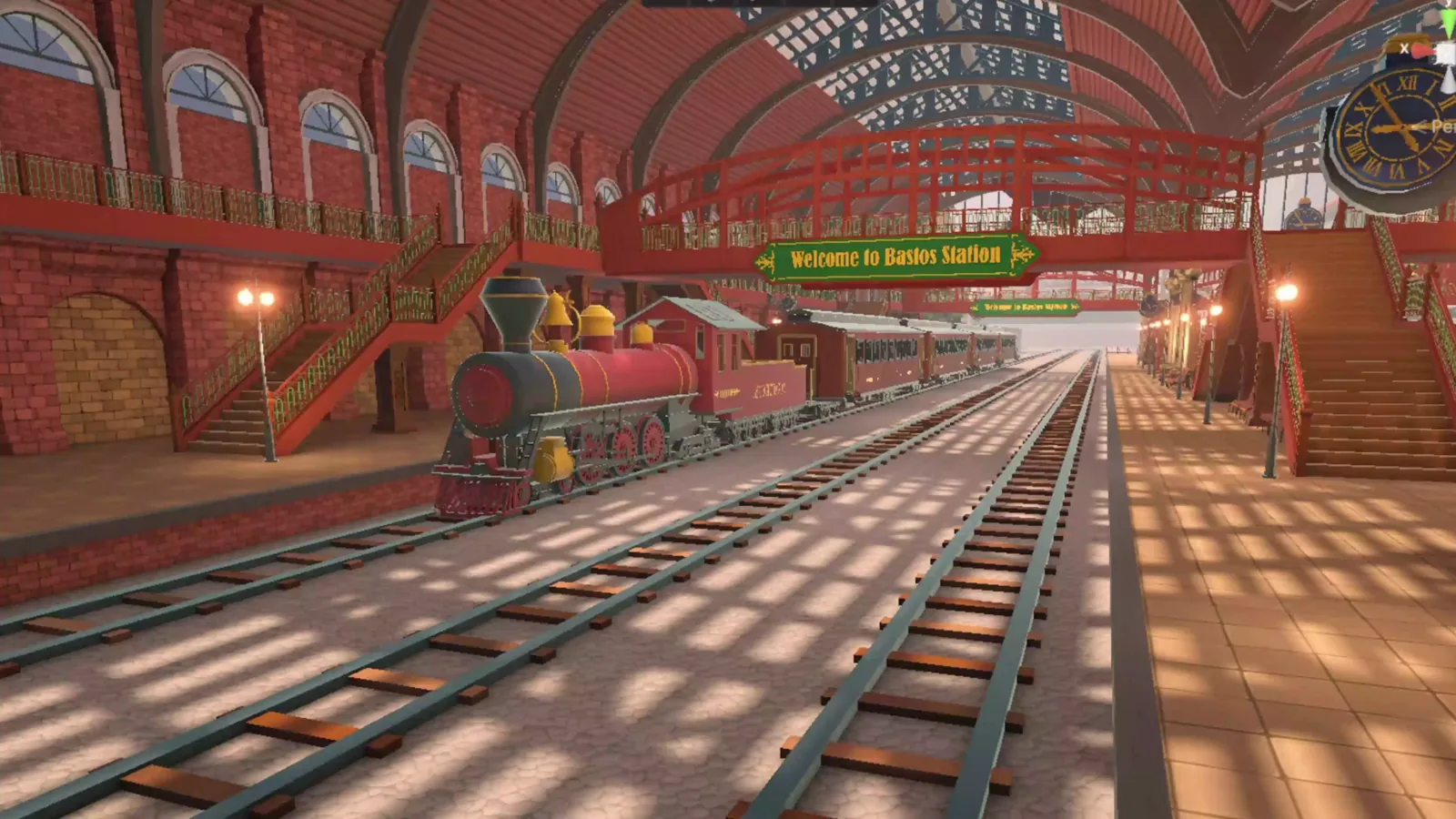
UNITY
Seamless with UModeler X
 Unity
UnityGenerate, edit, and place in one flow — without ever leaving the editor.
BRIDGE
Send with one click
 Unreal Engine
 Godot
Godot Blender
With the bridge installed, results go straight into your scene.
DATA
Compatible via standard formats
 ZBrush
 3ds Max
 Maya
Maya Cinema 4D
Export as FBX · GLB · OBJ · STL and open them in the tools you already use.
Fits whatever you are building
Games, film, 3D printing, product design. Export at the polygon count and format each one needs.
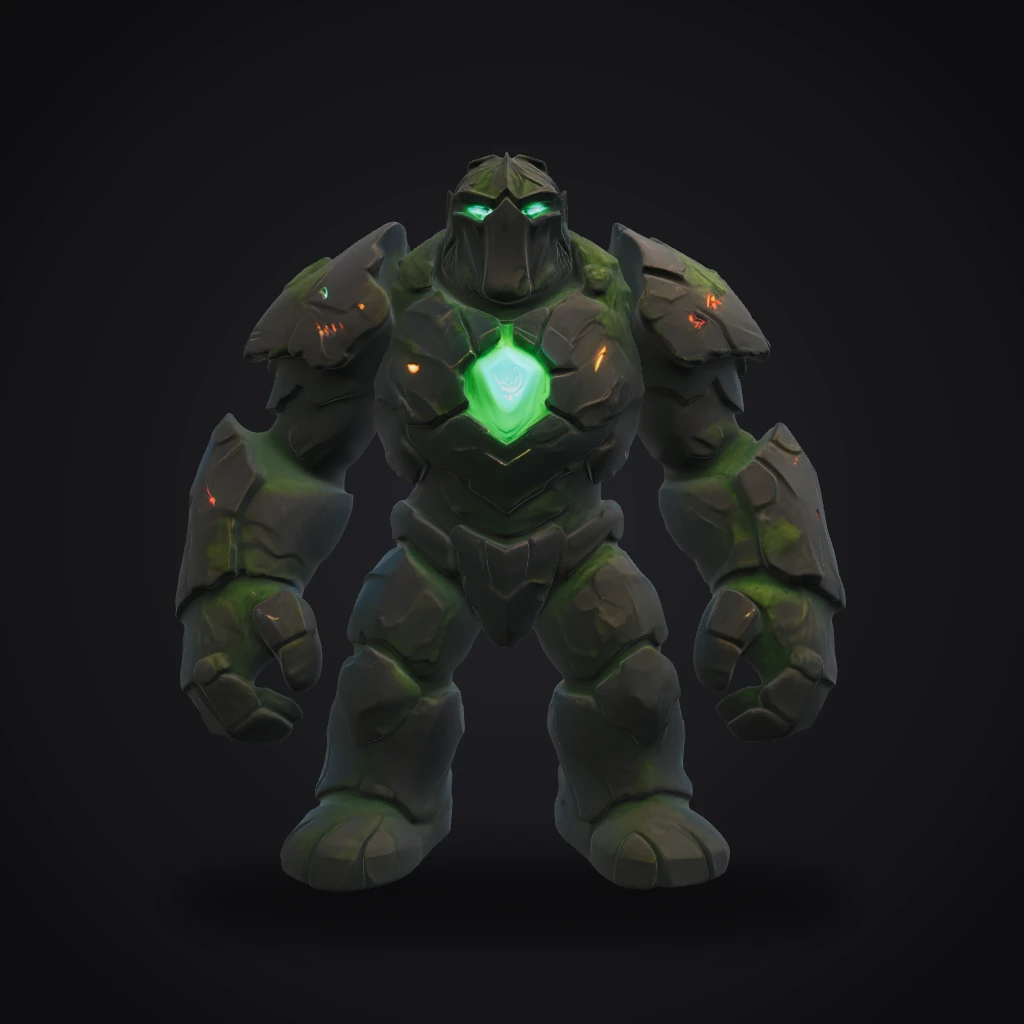
Game dev
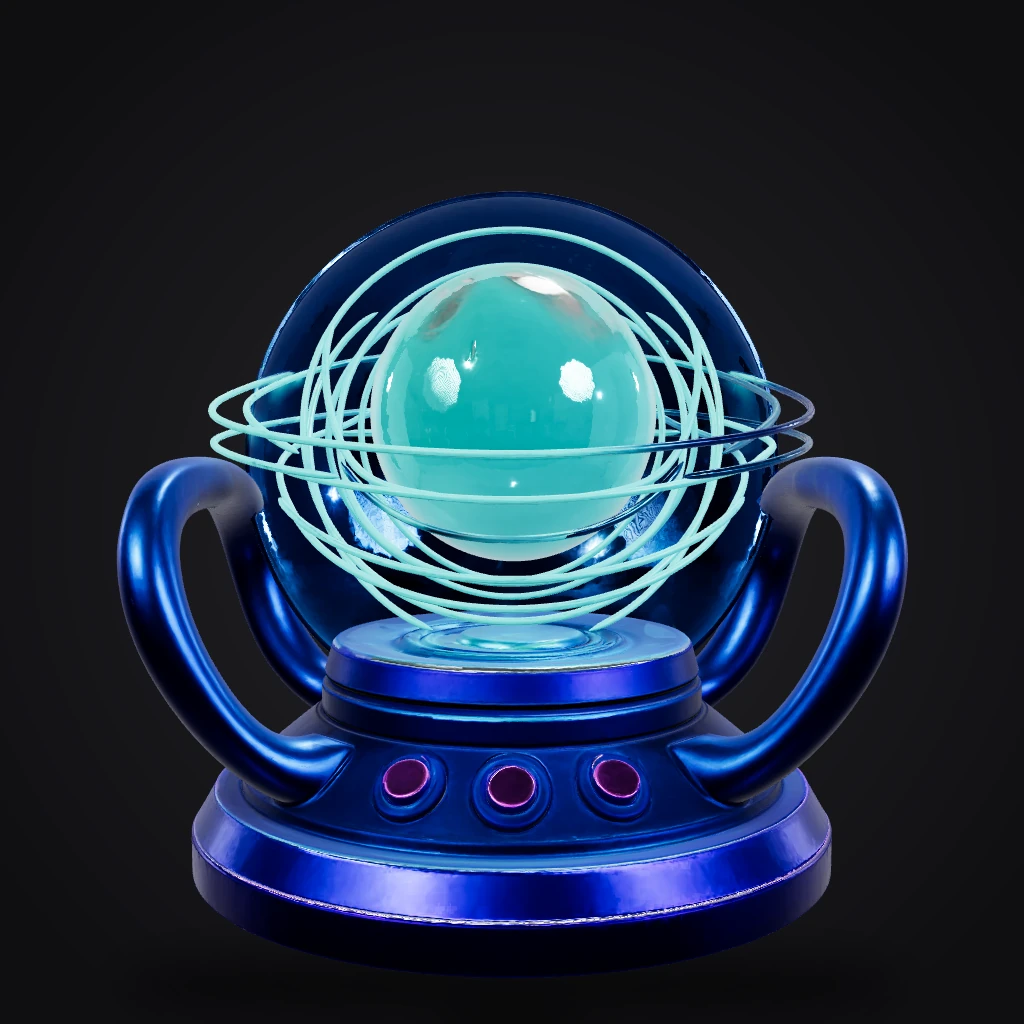
VR / AR
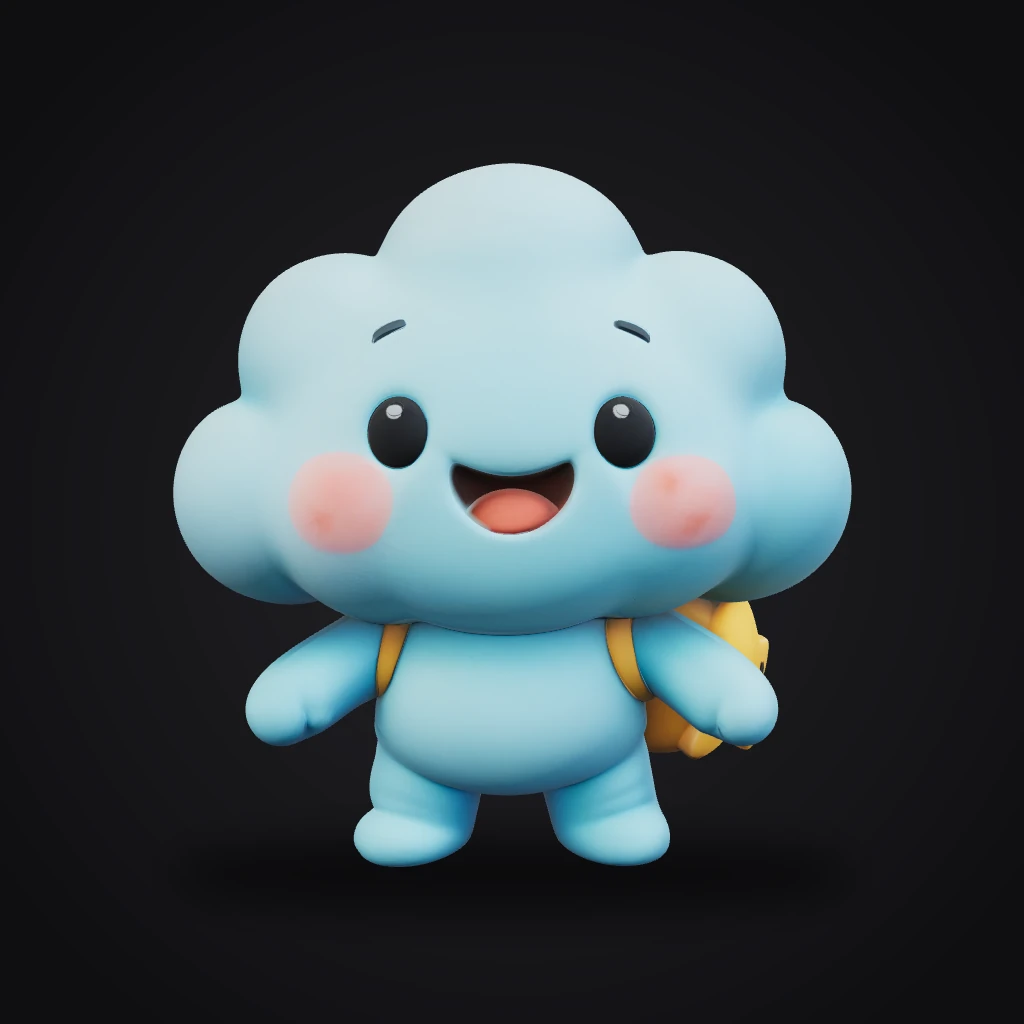
Film & animation
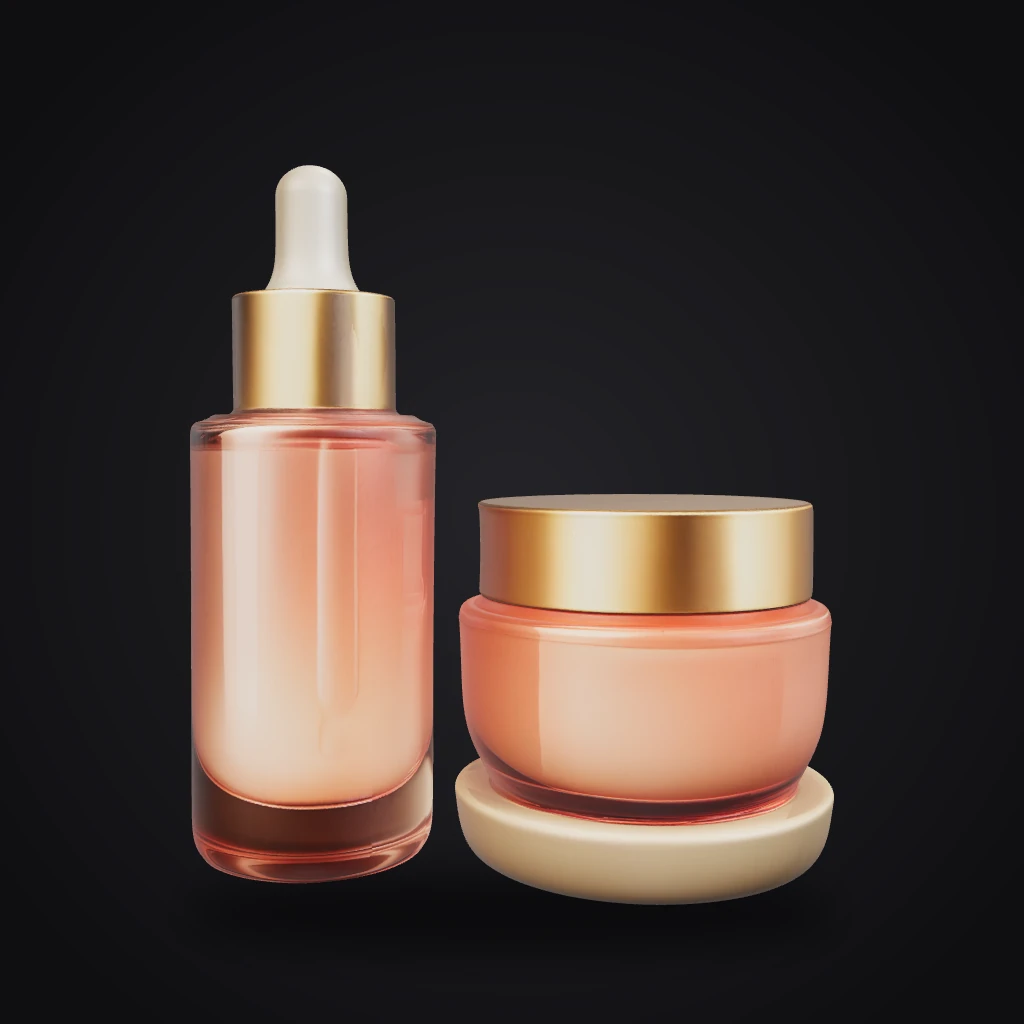
Ads & commerce
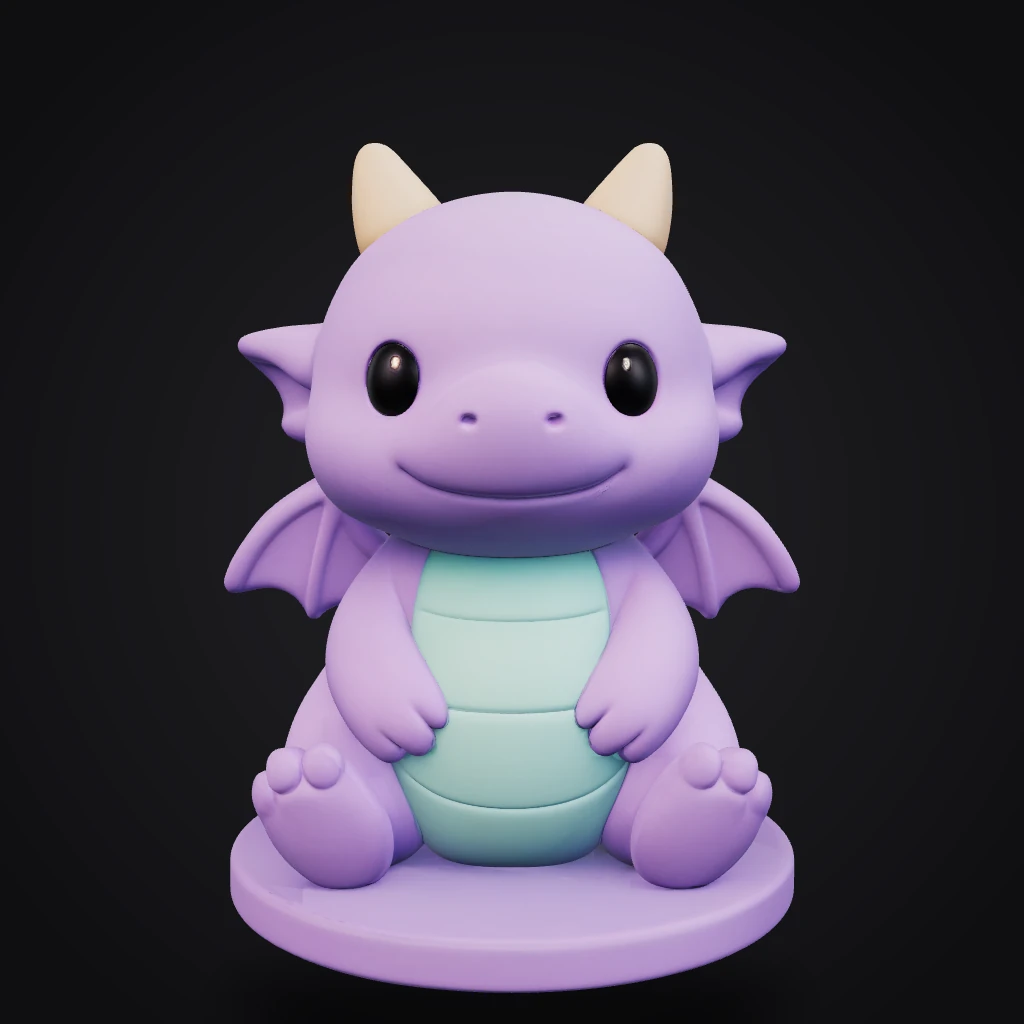
3D printing
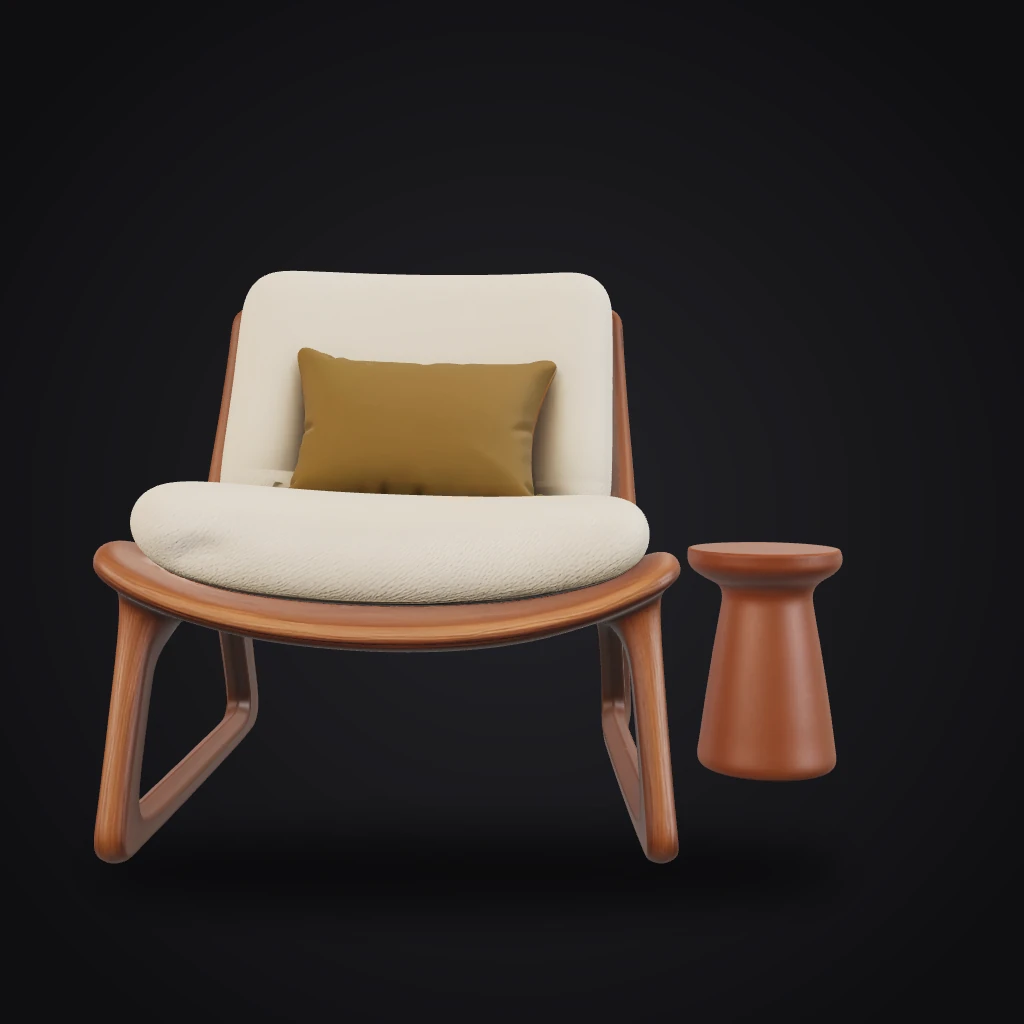
Interior & arch
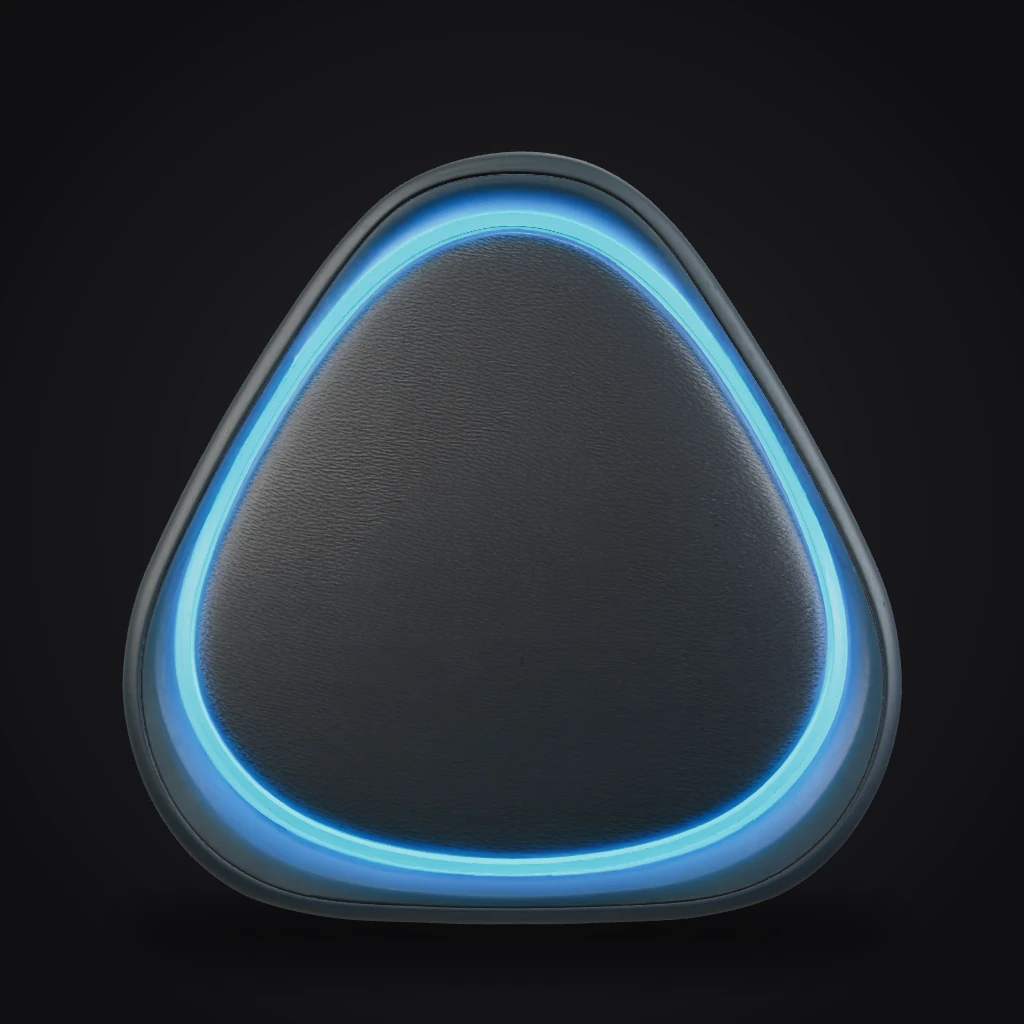
Product design
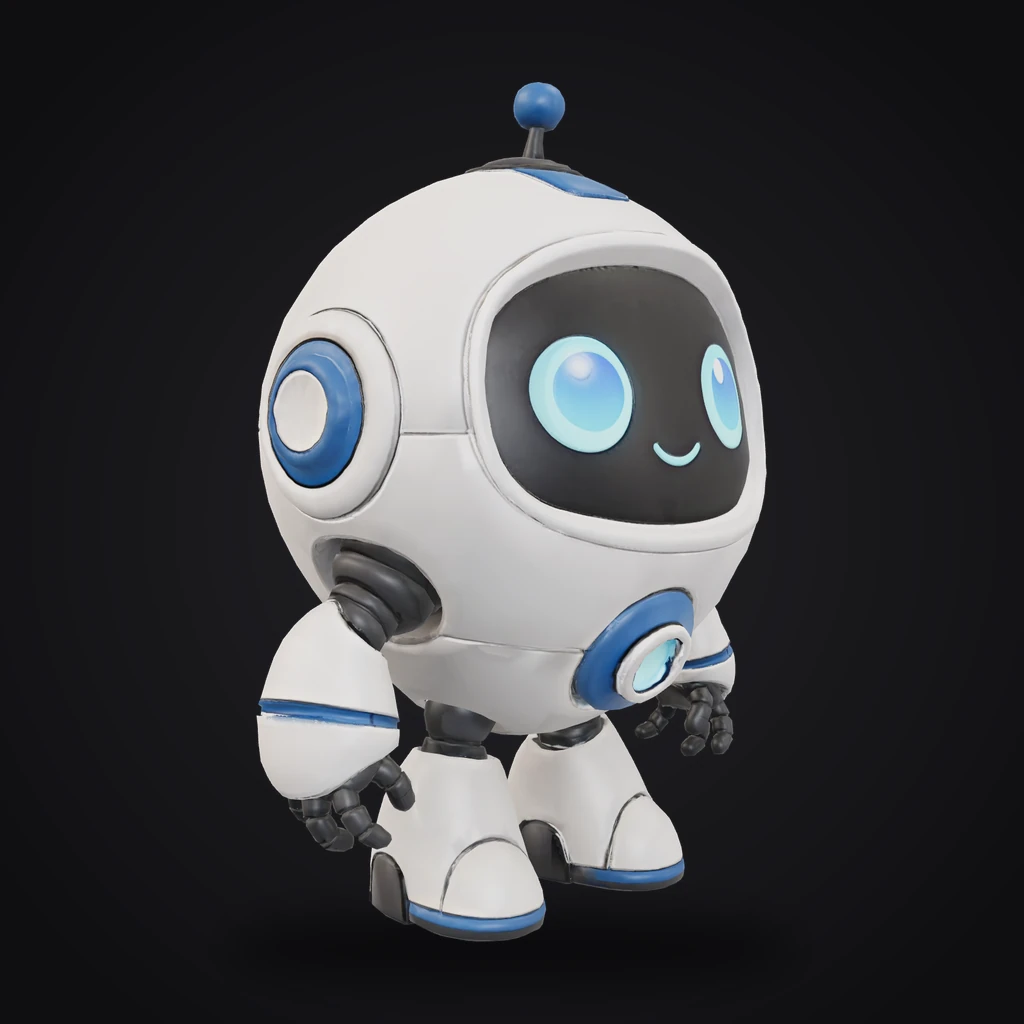
Robotics & simulation
Being created right now, as you read this


Start creating now
Begin with free credits — no card required.